
Lampasas County Court Docket Searches
Jurisdiction comes first. Felonies usually sit with the 27th District Court and the Lampasas County District Clerk. District civil suits and family cases go there too. Misdemeanors, probate, and county-level civil work run through the County Court docket and the County Clerk. A Class C citation may belong instead to a justice court. A small civil claim may go to a municipal court. Where an event happened does not by itself tell you which docket holds it.
The county posts separate District Court docket indexes and County Court docket indexes. Each index leads to date-specific PDFs rather than one countywide name box. Follow the sequence laid out here when you search.
- Identify the court type from the citation, petition, indictment, or hearing notice.
- Open the matching county docket index and choose the relevant date or category.
- Check the court, judge, time, setting, cause number, and update label on the PDF.
- Try re:SearchTX if the dated list does not answer the question.
- Call, email, mail, fax, or visit the clerk that keeps the original file for confirmation or copies.
For a JP or city matter, go straight to that precinct or city court. The county offers no single search covering every justice court. Treat any result as a lead only. Confirm the current setting with the originating clerk before you act on it.
Lampasas County Docket PDF Indexes
Lampasas County publishes its dockets as dated PDF lists. The system is simple once you see it. Felony and civil dockets sit under separate headings in the District Court index. The County Court index breaks out categories like NISI, dismissal, bench trial, motion to suppress, and jury trial. That helps you narrow a docket search fast. Remember that a downloaded file is a snapshot. The county can swap in a new file at any time. It can also post a changed status.
The official Lampasas District Court docket page lists the dated felony and civil sheets. It also carries live status wording for each.
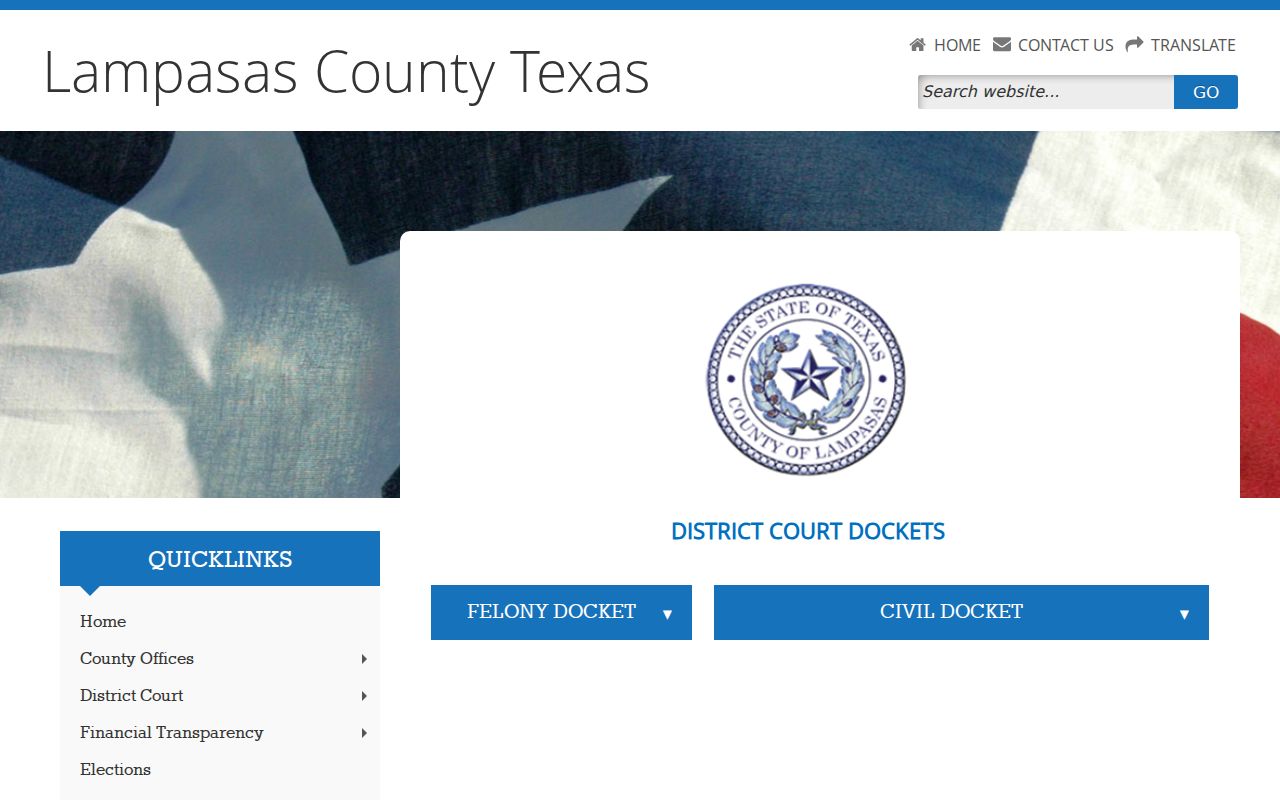
The docket date and the status label matter as much as the case name. Save the source page itself, not just the PDF. Check it again close to the hearing. Lists marked UPDATED, CANCELED, or SPECIAL SETTING serve as a warning. An older download may no longer reflect the plan.
What if no relevant date appears? Contact the clerk instead of assuming the case does not exist. It may sit in another court or fall outside the posted date range. The case may live only on paper or carry access limits.
Court Dockets: What They Show
Think of a Lampasas County court docket as a record of events and settings. It is not the full case file. It will not always show an image of every pleading or order. The county's criminal sample uses a detailed field structure. Its civil sample leans on cause, category, time, duration, and counsel status. Read each field in context.
| Court and Judge | Identify the tribunal and judicial officer assigned to the published setting. |
|---|---|
| Case or Cause Number | The strongest search key for the clerk, county PDF, or statewide system. |
| Date and Time | The scheduled court event, subject to later updates, resets, or cancellation. |
| Setting | The purpose of the event, such as a hearing, trial, or docket call. |
| Case Style or Offense | The public caption, category, or charge description shown on the list. |
| Disposition or Narrative | An outcome or event note that should be checked against the signed record. |
Criminal sheets can also carry indictment date, bond, prosecutor, counsel, associated case, and bondsman fields. Civil sheets may note attorney or pro se status plus a print date. Pro se means the party appears without listed counsel. A charge does not prove guilt. A setting does not prove liability or any final result.
When Lampasas Name Search Fails
Lampasas County offers no single county-run query that searches every case by a person's name. That gap shapes the fallback. Narrow the record by court and date first. Then search re:SearchTX using the cause number, full name, filing period, attorney, judge, or case type. Use those fields where they are offered. A common surname by itself can return shaky matches.
The statewide service gives you Cases and Hearings views, advanced controls, sorting, and result actions. Coverage varies with the participating court and record security. Your user role matters too. Some documents cost money, require registration, or stay offline entirely. A missing item is not proof of a clean file. Older paper records, juvenile matters, and sealed cases may still need a call to the clerk. Some lower-court dockets do too.
Municipal systems differ again. Lampasas city opens several citation and identity routes. Kempner posts a calendar and payment material but no stable public name-search panel. Lometa runs a resolve-citation portal, though its balance function has limits. Each local tool does a narrower job than a countywide court docket.
Lampasas County Courts and Their Dockets
Court structure decides who holds the record. Texas splits trial work by jurisdiction, and Lampasas County adds its own divide between the District Clerk and the County Clerk. Justice and municipal clerks keep their own lower-court dockets. Appeals generally travel through the Third Court of Appeals, while a federal case belongs to an entirely separate federal system.
| Court | Docket Covers | Where to Search |
|---|---|---|
| 27th District Court | Felony, district civil, family, and related district matters | District Clerk, county felony/civil PDFs, re:SearchTX |
| Constitutional County Court | County-level misdemeanor, civil, and probate work as jurisdiction allows | County Clerk and County Court docket page |
| JP1, JP2/3, and JP4 | Class C, traffic, small claims, eviction, debt, and other justice matters | The specific precinct office and its forms or payment route |
| Municipal Courts | City ordinance and fine-only Class C cases, including city citations | Lampasas, Kempner, or Lometa court channel |
| Third Court of Appeals | Appeals within its assigned region | Appellate court site and clerk |
Federal matters from Lampasas County land in the Western District of Texas, Austin Division, and run through PACER or CM/ECF. Neither system replaces Texas county or municipal records. Before you pick a portal, read the issuing court named on the notice.
Lampasas County Split-Clerk System
Two clerks split the record work in Lampasas County. For 27th District Court matters, the District Clerk is the main contact. Edith Wagner Harrison runs that office from 409 South Pecan Street, Suite 204, Lampasas. Call 512-556-8271, fax 512-556-9463, or write to districtclerk@co.lampasas.tx.us. Doors open at 8:00 a.m. and close at 5:00 p.m. The office shuts down from noon to 1:00 p.m. Questions about settings take a separate route through coordinator Dee Ann Crawford at extension 308.
Dianne Miller, the County Clerk, sits at 409 S. Pecan Street, Suite 201. Her office carries the County Court and probate clerk functions. It also holds official public and land records. The staff does not run searches for the public. Bring a case, cause, date, or document reference you already know. Its eDoc and QuickLink tools cover land and official records only. Neither one serves as the Lampasas County court docket.
The split matters more than the walk between suites. A broad request aimed at the wrong clerk can stall a date check. It can also stall a copy order. When custody of a record is unclear, phone first. Keep the request specific and administrative.
Court Dates and Settings in Lampasas County
Check any court date against the newest Lampasas County publication. Confirm it directly when timing is critical. The District Court PDFs list judge, date, setting, time, and case fields. County Court posts several docket categories plus time-specific lists. The county offers no interactive calendar search. You cannot query by attorney, cause number, or courtroom. Watch the labels on each posting. Words like UPDATED, CANCELED, and SPECIAL SETTING carry real scheduling force. An updated link means the county has revised that publication. A canceled setting is not a final disposition. It does not end the whole case. A special setting is one court event set individually, outside the ordinary docket call. A reset or continuance moves a matter. But only the court record or clerk can give you the new date.
- NISI docket
- A County Court label that should be read with the specific order and file, not assumed to state a final result.
- Bench trial
- A trial set before the judge rather than a jury.
- Motion to suppress
- A listed motion setting; the docket label alone does not show how the court ruled.
- Print date
- The date the PDF was produced, which can differ from the hearing date.
Need a current District Court setting? Contact the settings coordinator. For JP or municipal dates, call the court named on the citation, since the county list may leave those local matters off.
Lampasas Docket Counter Routing
The historic courthouse at 501 E. 4th Street is a county landmark. It houses County Judge or constitutional County Court administration along with JP1 functions. But the key clerk counters sit in the S. Pecan annex complex nearby. The District Clerk works from Suite 204 and the County Clerk from Suite 201, both at 409 S. Pecan. The District Court listing points to Suite 212. Call ahead so a suite number, hours, or record location can be confirmed before you go. The official Lampasas County contact directory lays out the courthouse and both annex locations for routing county business.
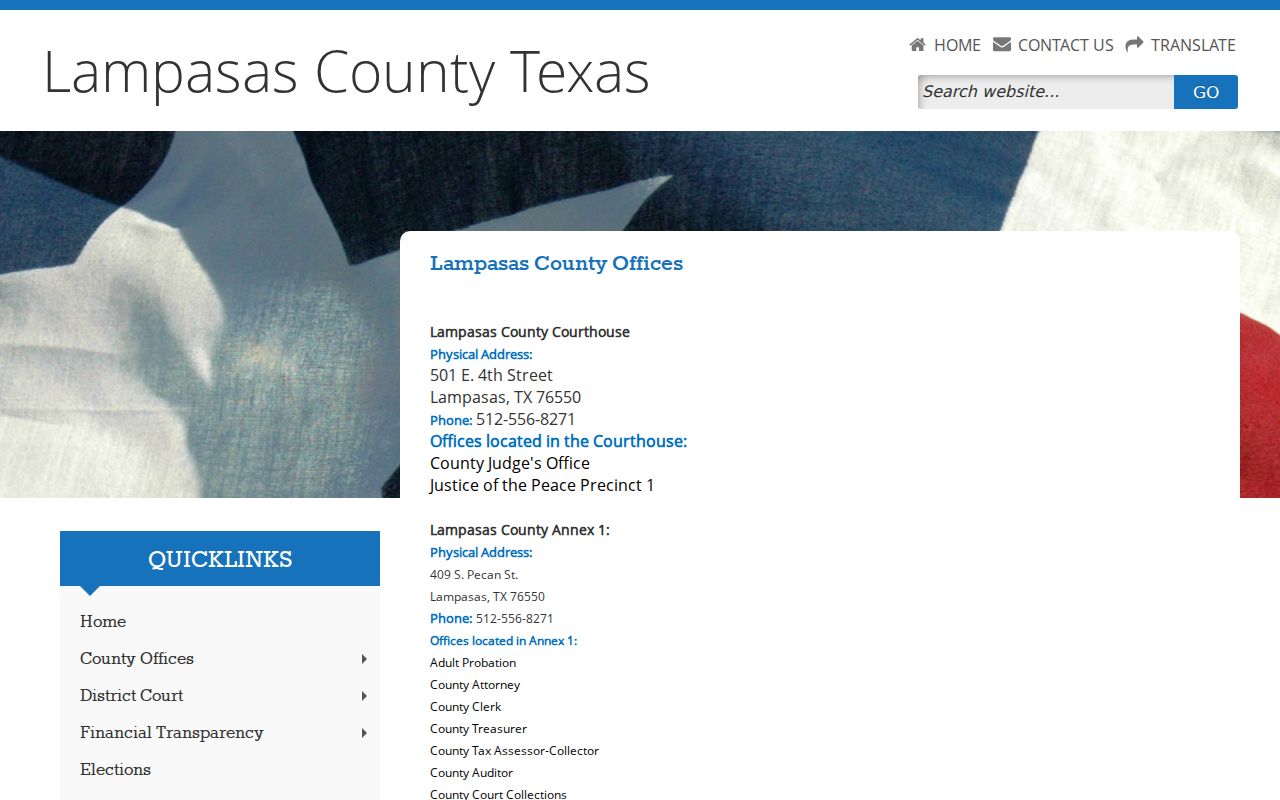
One point deserves emphasis: "the courthouse" is not a single records counter. Annex 2 at 407 S. Pecan houses other departments. It does not hold the District or County Clerk counters that handle routine docket requests. No public docket terminal or parking rule is posted. The same goes for security procedures and courtroom recording policy. Ask the clerk about access needs and accommodations instead of relying on generic courthouse assumptions.
Docket Access Under Texas Law
Public access does not open every page of every case. A posted Lampasas County court docket is a limited calendar record. A statewide case summary may omit a protected document. Juvenile matters, sealed cases, confidential family records, and personal data can all be withheld or redacted. Those details are removed from the public copy.
Texas court-record rules:
Government Code Chapter 552, including section 552.0035, distinguishes judiciary information from ordinary agency records.
Texas Rule of Judicial Administration 12 governs access to judicial administrative records outside court case records.
Texas Rule of Civil Procedure 76a sets the process for sealing civil court records.
Local Government Code Chapter 118 supplies authority for certain clerk fees.
A general Texas Public Information Act email will not bypass court-file rules. First figure out what you are after: a court case record, a judicial administrative record, or a county administrative record. If access is denied, ask which law, rule, or sealing order controls and what formal route applies.
Lampasas Dockets on re:SearchTX
re:SearchTX fills the gap left by the county's dated PDFs. When the court participates, and the viewer has the needed access, it can expose case details, filings, documents, and hearings. The official guide covers Search By and Advanced controls. It also covers Cases and Hearings tabs, wildcard use, sorting, case summaries, hearing detail, alerts, and export actions. Results vary by security role. Document access can carry a charge. The official re:SearchTX court records interface shows the case and hearing search layer. That layer serves participating Lampasas County records.
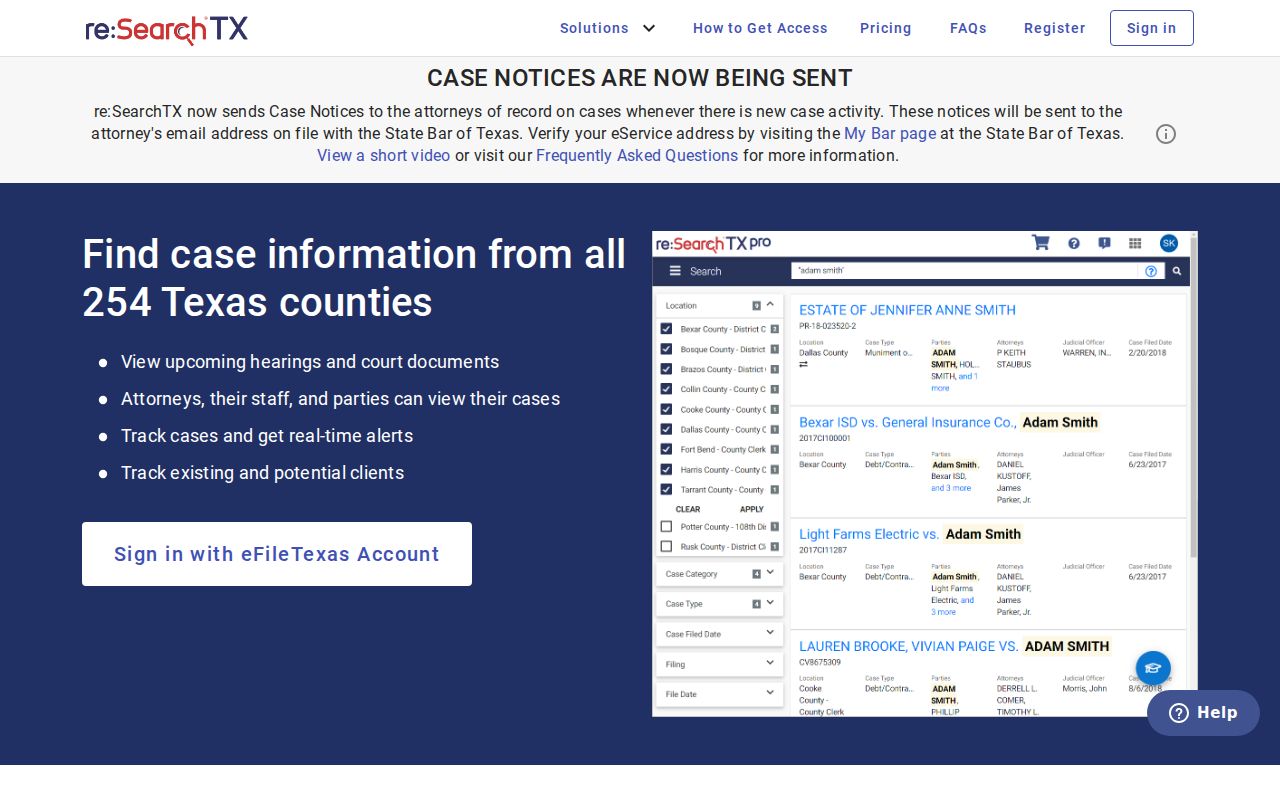
The statewide system works best once the court and basic case facts are known. Search by more than one anchor when you can. Then compare the result with the county docket and the clerk-held file. Tyler Technologies eFileTexas plays a different role. It is the filing engine for attorneys and parties. It is not the public Lampasas County court docket. A submission receipt does not prove a filing was accepted, made public, or placed on a hearing list.
How the Clerk Keeps Docket Records
A docket entry is only the doorway. Behind it sits a fuller clerk-held file. That file can hold petitions, indictments, answers, motions, notices, orders, judgments, and disposition papers. Ask for a document by cause number when you can. Give its title and filing date too. Say whether you want a plain copy or a certified one. Certification brings the clerk's seal and certificate.
Requests can start online with the county PDF or re:SearchTX. Phone works too. So do email, fax, mail, and the counter. General county open-records correspondence can go to openrecordsrequest@co.lampasas.tx.us. It can also go to Lampasas County Open Records Request, 501 E. 4th Street, Lampasas, TX 76550. Court-file requests still belong with the clerk responsible for that court, though. Before sending funds, ask about fees, payment, delivery, redaction, and turnaround.
Lampasas County District Clerk
409 South Pecan Street, Suite 204
Lampasas, TX 76550
512-556-8271
The published Texas clerk schedule sets the copy prices. Noncertified paper copies run $1 per page, and a certification and seal charge of $5 applies on top of the page fees, effective for copies beginning January 1, 2024. Confirm the current total with the Lampasas County clerk. QuickLink's separate land-record price is not a District Court case-copy fee.
Historic Lampasas County Dockets
An old Lampasas County case can exist even when a web search shows nothing. Age hides records more often than loss does. The Texas State Library Lampasas County inventory lists District Clerk civil case papers from 1873 through 1930 on microfilm. It also lists civil minutes from 1877 through 1914. Some criminal-minute volumes were never filmed. A targeted archive or clerk request works better than more portal searching.
For an older matter, gather the court, the approximate year, a party name, the cause number if known, and the record series. Historic books often cite volume and page instead of modern search fields. The County Clerk's QuickLink selector helps locate land and official-record books. It is not a substitute for a district civil or criminal docket.
The restored 1884 courthouse anchors this history locally. The Texas Historical Commission describes its Second Empire design, native limestone, mansard roof, arched windows, and central Seth Thomas clock. The site notes a 2004 rededication. That history guarantees nothing about storage. Old volumes and current court files are not all housed in the courthouse today.
City-by-City Court Dockets in Lampasas County
Three incorporated cities make up Lampasas County. They are Lampasas, Kempner, and Lometa, and each runs its own municipal channel. City courts handle city ordinance matters and fine-only Class C cases. That includes many city-issued traffic citations. A county JP citation stays with its justice court. That rule holds even when the incident happened near a city.
Lampasas Court Records
The city portal offers citation, license, plate, name, and business search paths. The court phone is 512-556-4909.
Kempner Court Records
The municipal page publishes dates, payment details, and forms, but no stable public name-search panel was found.
Lometa Court Records
The citation-resolution portal showed test mode and balance limits, so phone or clerk follow-up is important.
Population figures for the three cities come from one consistent 2020 Census base. Lampasas had 7,291 residents. Kempner had 1,146, and Lometa 753. A later 2025 estimate exists for Lampasas, but mixing it into the ranking would skew the comparison, so let the municipal court named on the citation control the first search step.
Lampasas County Lower-Court Routes
Justice courts and municipal courts keep their records apart. JP1 works from the courthouse. It posts a broad set of forms plus payment and e-filing links. JP2/3 sits at 104 N. 4th Street in Lometa; call 512-752-3497. JP4 sits at 315 Pecan Street in Kempner; call 512-932-2182. The county publishes no countywide public JP docket index. The precinct clerk is the fallback for status or copies.
Lampasas Municipal Court runs on a Tyler portal. Searches there accept citation and date of birth, driver license details, Social Security number and date of birth, vehicle plate, name, or business. Enter the citation exactly as printed. The city warns that paying online counts as a conviction. Anyone seeking deferred disposition or a driving-safety course should contact the court before paying.
Kempner's municipal page spotlights calendar dates, a payment bureau code, and court forms. Lometa's tool resolves citations. It is not a reliable docket-sheet viewer. In either city, call the municipal clerk. Do that when the web path shows no current case status.
Lampasas Docket Labels in Context
A label names an event, not always a result. "Disposition" may point to an outcome, but the signed judgment or order is the stronger source. "Bond" marks a release or security field in a criminal case, not guilt. "Associated" flags a related case. "Case style" is the caption of a civil action, while "offense" is the charge description printed on a criminal setting list.
Family and juvenile labels need the same caution. Temporary orders, termination hearings, and juvenile hearings can show up as categories even when the paper behind them stays restricted. Public data may come redacted. Ask for the public version. Do not infer facts the docket does not state.
Lampasas County workload numbers need context too. The 2025 constitutional County Court report listed 356 civil cases pending at the start, 44 additions, 47 dispositions, and 353 pending at the end. On the criminal side it showed 561 pending at the start, 382 additions, 362 dispositions, and 581 pending at the end. Those figures measure annual workload. They are not live search results or forecasts for one case.
Map and Directions to the Lampasas County Annex 1 (District Clerk's Office)
District Court criminal, civil, family, and juvenile case files are held by the District Clerk out of the county's Annex 1 building, 409 South Pecan Street, a short walk from the restored 1884 Lampasas County Courthouse on E. 4th Street. Annex 1 also houses the County Clerk in Suite 201, while the District Clerk's own counter is Suite 204 and the 27th District Court is listed at Suite 212 in the same building, so it helps to confirm the exact suite before heading over.
Lampasas County District Clerk
409 South Pecan Street, Suite 204
Lampasas, TX 76550
512-556-8271
Monday through Friday, 8:00 a.m. to 5:00 p.m., closed noon to 1:00 p.m.
The counter closes for lunch from noon to 1:00 p.m., and anything delivered after 4:30 p.m. is processed the next business day. The county has not published a parking, security-screening, or ADA/interpreter policy for Annex 1, so it is worth calling the District Clerk ahead of a visit to confirm accessibility needs and the correct suite.